

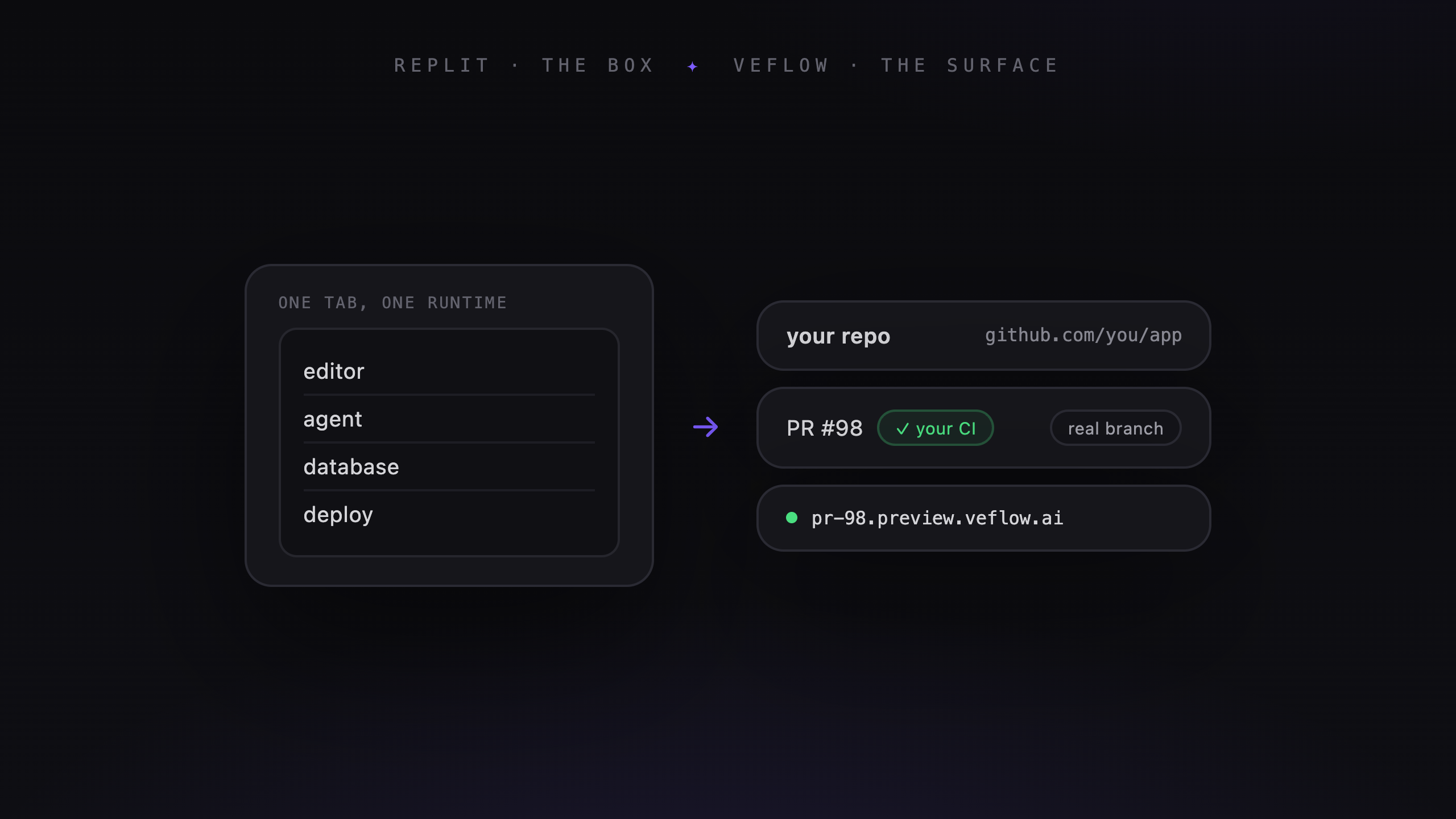
Replit Agent and Veflow both help you build software with agents. The choice depends partly on where you want to work and how you want to review and deploy the result.
What Replit Agent offers
Replit Agent works inside Replit's development environment. You describe what you want to build, iterate with the agent, and use Replit's tools to run and publish the app.
That setup is worth considering if you want development and hosting in one service. Try it with the dependencies and integrations your app needs.
What Veflow offers
Veflow's desktop app works with local repositories and your installed coding agents. Project tabs, worktrees, an editor, and a terminal keep multiple pieces of work together.
Managed agents can also work from tasks in the cloud and open GitHub PRs. You review the change against the brief and merge using your repository's process.
Your existing deployment pipeline can continue handling releases after merge.
Where the app runs
Replit provides an integrated environment for building and running an app. Review its deployment options against your hosting requirements.
Veflow has local development on desktop and paid cloud environments. A hosted preview lets you inspect a supported web project before merging; it is separate from your production deployment.
Choose based on the environment you want to maintain and the services your application depends on.
Where the history lives
With Veflow's managed tasks, GitHub stores the branches, commits, and PRs. Veflow stores the task conversation and agent activity.
If you already use GitHub for review, those PRs fit the same process. You can open them from either product.
When evaluating Replit, check how its project history and Git integration fit your team's requirements. Try importing, making a change, and moving that change through your review process.
Working alone or with a team
Veflow serves solo desktop users as well as teams. The free desktop workspace covers local development with your own agents. Paid collaboration adds shared tasks and roles.
For a team trial, involve someone who will review the output. Have them find the brief, inspect the diff, run the app, and request a correction.
That will show whether the workflow fits your team better than assuming one product is only for solo builders.
When to try Replit
Try Replit when you want to build and host in the same environment, especially for a new app where you haven't already chosen the rest of the stack.
Use a representative feature for the trial, including any database or external service the app needs.
When to try Veflow
Try Veflow when you work across local repositories, want to use existing agent subscriptions, or already have a GitHub review and deployment process.
Managed cloud runs are available when you want to hand off a task, and supported web projects can have preview URLs for review.
How to decide
Take a task from implementation through review and deployment. Note the setup required, what you can inspect, and where the code and conversation will live afterward.
Choose the environment you would want to use for the next change too.