

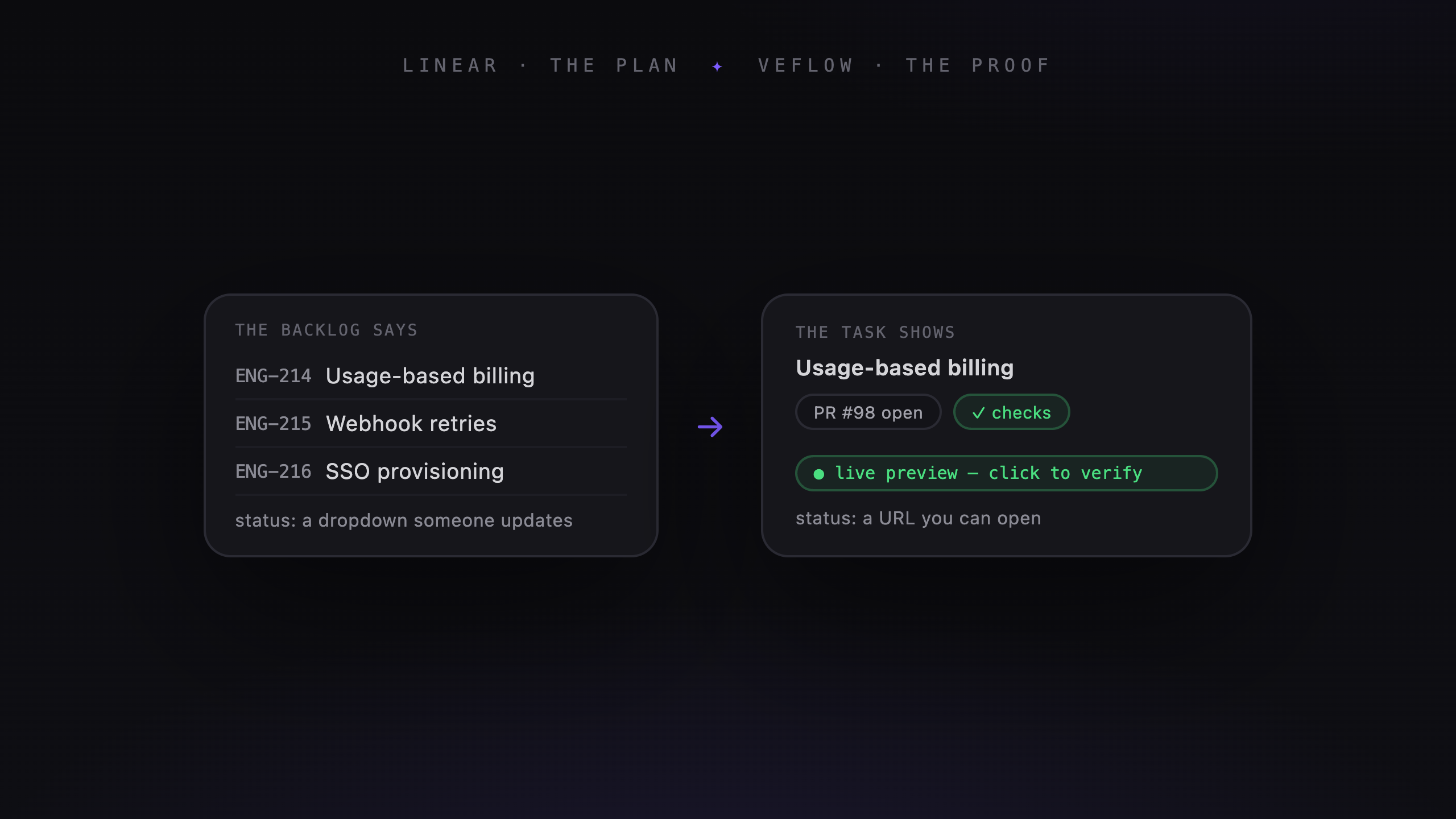
If your team already uses Linear, its coding sessions give you a way to start agent work from an issue. Veflow is another option when you want an editor, agent sessions, and project management together.
The useful comparison is how each fits the work you already do.
What Linear offers
Linear's coding-session docs describe cloud sessions using Claude Code or Codex. You can start from an issue, review the changes, and continue the conversation before opening a PR.
Linear Agent also uses workspace context to help with planning and issue management. Coding sessions are part of that broader workflow.
That makes it worth trying with an existing Linear project before deciding you need another tool.
How the development workspace differs
Veflow brings project tabs, worktrees, an editor, terminal sessions, and agent chats into the desktop app. You can move between hands-on coding and the board without switching applications.
For managed cloud work, the task holds the conversation, diff, and available previews. Veflow can host a preview for supported web projects and display links from existing preview providers.
GitHub remains the repository and PR system. Your model provider and any external preview services remain part of the setup too.
Working with several agents
Veflow's desktop app lets you run your own coding agents side by side. Separate worktrees give them separate files and branches to edit.
For managed tasks, Polaris proposes plans and assignments. Atlas, Nova, and Orion have role instructions for full-stack, backend, and infrastructure work.
The benefit depends on your workload. Several independent tasks can run together, but shared dependencies and overlapping changes still need coordination.
Finding the history
Veflow keeps managed-agent conversations on their tasks, alongside comments and status changes. Teammates can return to the thread to check the plan, commands, and feedback behind a change.
GitHub keeps the PR and commit history. The fuller agent conversation stays in Veflow, so those are separate records.
When to stay with Linear
Start with Linear's sessions if your planning already lives there and issue-to-PR work covers your needs. Try it on a representative task and see whether you can review and iterate comfortably.
Keeping a tool your team already knows can be more useful than adding another workspace for features you rarely need.
When to try Veflow
Veflow is worth a look if you regularly switch between repositories, run local agents in parallel, or want to edit and review beside those sessions.
Managed cloud runs and hosted previews are available on paid plans. Solo desktop use with your own agents is free; your agent provider's charges still apply.
Using Veflow with Linear
Veflow supports two-way sync for issues, comments, and status, plus importing projects and teams. That lets a team keep planning in Linear while doing development work in Veflow.
Check the sync with a small project first, especially if your team has custom states or conventions.
How to compare them
Choose a task you need to finish this week. Follow it through planning, implementation, review, and merge. Pay attention to where you have to repeat context or leave the workspace to complete a step.