

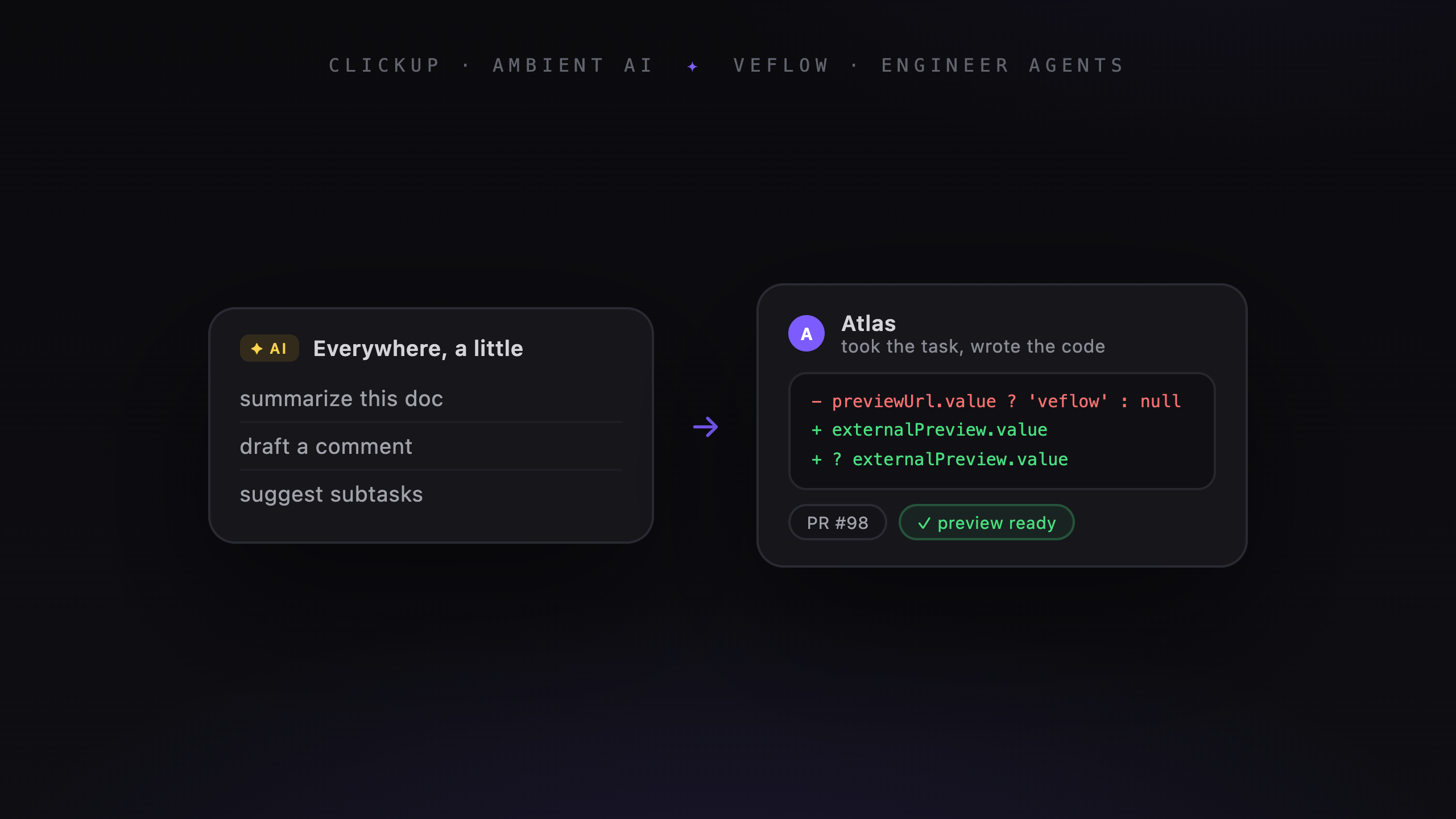
ClickUp and Veflow both put agents near the work a team tracks. The difference to examine is what you need around an agent run: workspace coordination, a development environment, or both.
Where ClickUp agents fit
ClickUp's Super Agents work across workspace activities such as answering questions, preparing updates, and handling assigned tasks. ClickUp also describes coding uses for them.
So this isn't a choice between agents that run in the background and agents that accept assignments. ClickUp supports more than one way to involve an agent.
If your team's docs, tasks, and conversations already live there, that context is a reason to explore its agents.
What code review needs
For a coding task, check how you will inspect the result. You need to see which files changed, run the relevant checks, and decide whether the change should merge.
Those requirements apply regardless of how the agent was started. A scheduled task needs review just as an explicitly assigned task does.
How Veflow handles a coding task
A managed task in Veflow has a brief, an assigned agent, a conversation, and a branch. The agent opens a GitHub PR for you to review.
Supported web projects can have a hosted preview. You can read the diff, leave comments, and merge through GitHub from the task.
The desktop app also supports your own coding-agent CLIs, with an editor, terminal, and separate worktrees for parallel work.
Starting work and setting scope
In Veflow, you describe a task and start the agent. Polaris can help draft the scope and suggest assignments before work begins.
A specific brief makes review easier: you can compare the change with an agreed goal. It doesn't guarantee that an agent will stay within scope, so the diff still needs checking.
Keeping a record
Veflow stores the managed run's conversation and tool calls on the task. Comments, status changes, and PR events appear in its activity feed.
The code and PR remain in GitHub. The task conversation remains in Veflow. Together they help you trace a change back to the instructions and review that produced it.
When ClickUp is worth trying
Try ClickUp's agents if your team already coordinates work there and wants help across tasks, docs, and updates. Evaluate the specific agent and permissions against the workflow you intend to use.
When Veflow is worth trying
Try Veflow if you want a development workspace for local coding agents, or managed tasks with GitHub review and web previews.
It is especially relevant when you move between several repositories and want the code, sessions, and project board close together.
Using both
Veflow supports two-way ClickUp sync for tasks, comments, and status. Your team can keep its existing tracker while using Veflow for development.
Start with one project and follow a task through both tools. Check whether the sync saves work and whether reviewers can find the context they need.