

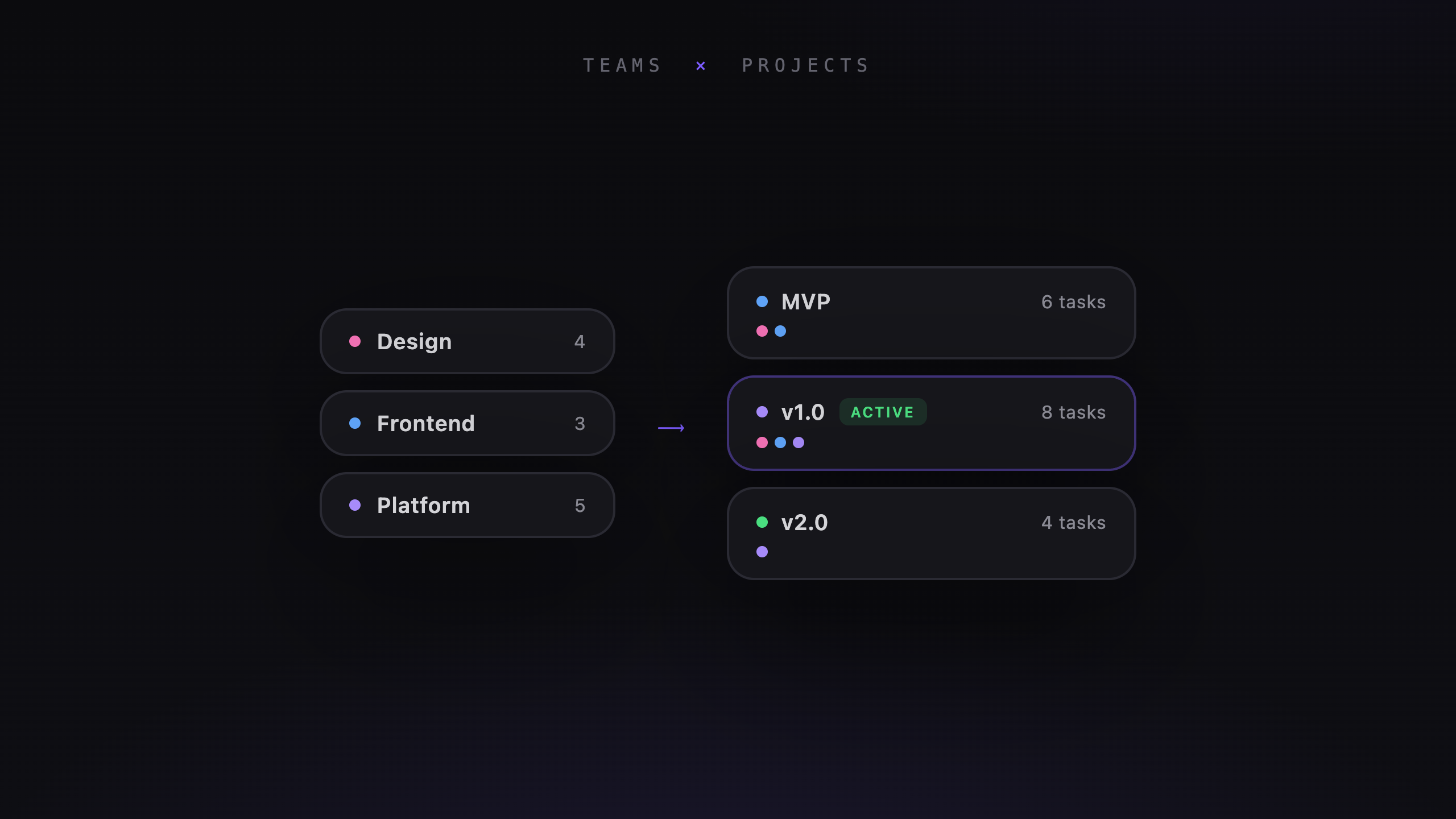
A billing migration may involve both backend and web teams. A design-system update may touch every product team. Those projects need to appear in several places without becoming separate copies.
Workspaces, teams, and projects
Veflow organizes work in three levels:
- A workspace contains people, projects, and agents.
- Teams group people. Someone can belong to several teams.
- Projects can belong to several teams, with one primary team responsible for the project.
Tasks also belong to a team. Filter the board or roadmap to focus on the team's work.
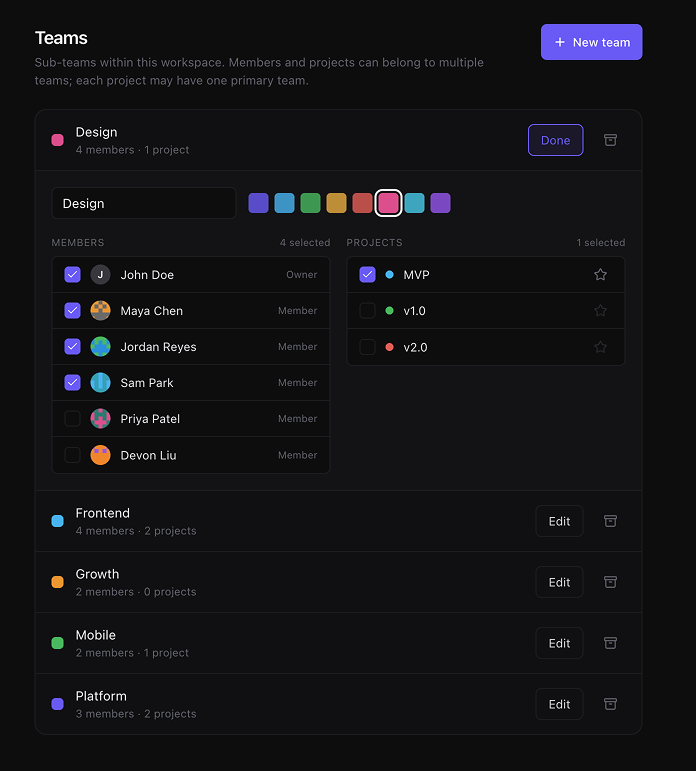
Teams, shared projects, one primary owner per project.
One project, several teams
When teams share a project, they see the same schedule and task list. Updates don't need to be copied between separate projects.
The primary team makes ownership clear. The other teams remain attached so the work appears in their filtered views too.
For a billing migration, for example, Platform can own the project while Web participates. Both teams can find it on their roadmaps.
Keep agent work in view
Team filters also help when several agents are working at once. You can focus on the tasks your team owns and the changes it needs to review.
Polaris can draft the plan and engineer agents can work on the tasks. The team structure gives the people reviewing that work a shared view of what they're responsible for.