

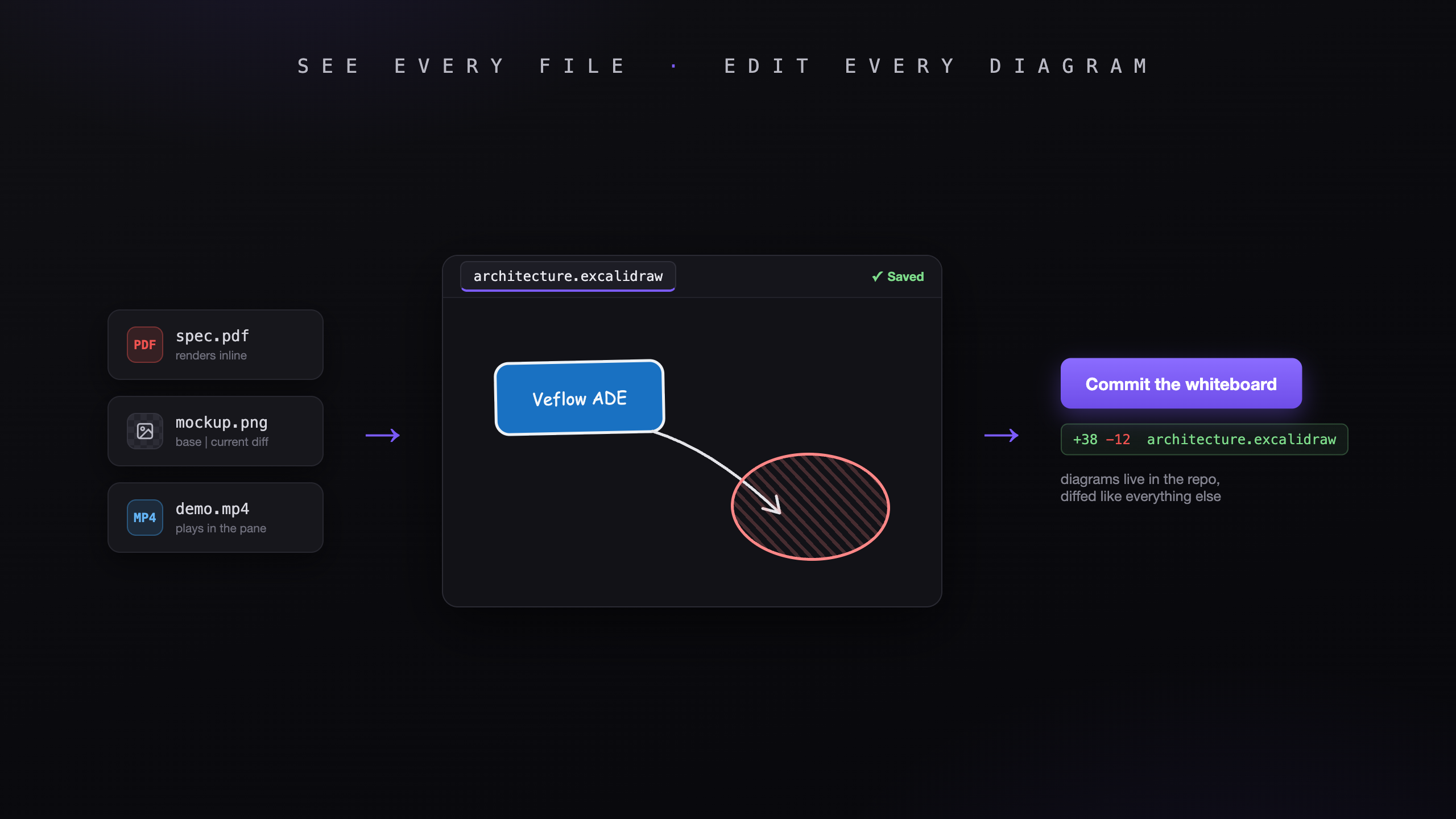
Project folders hold more than source code. There are PDF specs, screenshots, demo recordings, and architecture diagrams that you need to open while working.
The desktop ADE now previews those files and lets you edit draw.io and Excalidraw diagrams in the same workspace.
Open files from the explorer
Click a file in the explorer or source-control panel:
- PDFs open in a viewer in the center pane.
- Images show a preview, filename, and size.
- Supported video and audio files play inline.
- Other binary files show file information.
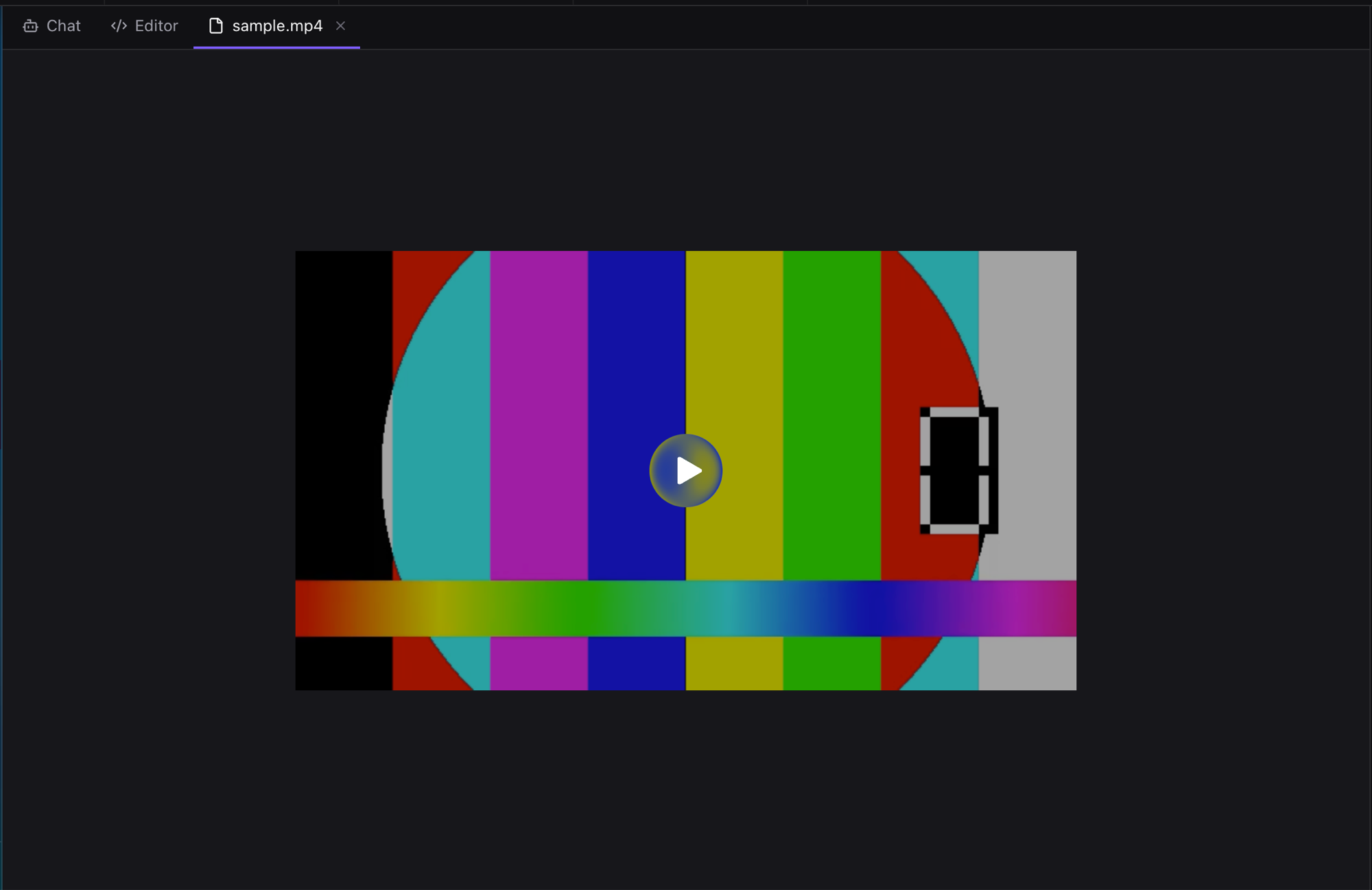
Play a video from the repository in the center pane.
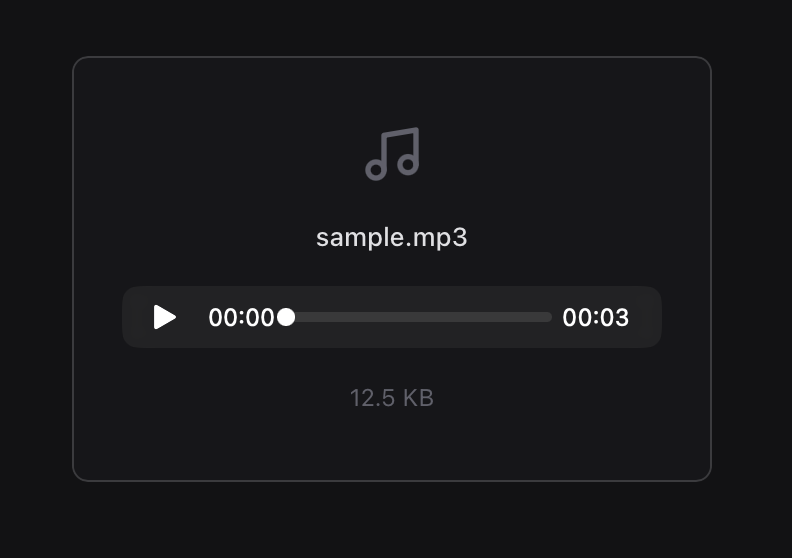
Audio files show playback controls, filename, and size.
Compare changed files
A changed image opens with the committed version on the left and the working version on the right. Deleted files show the base version with a deleted label.
PDFs, video, audio, and diagrams have a Base / Current toggle. Use it to compare versions when an agent replaces an asset or updates a diagram.
Edit diagrams
Excalidraw files (.excalidraw, .excalidraw.json) open in an embedded editor. Changes autosave to disk. The editor runs locally and works offline.
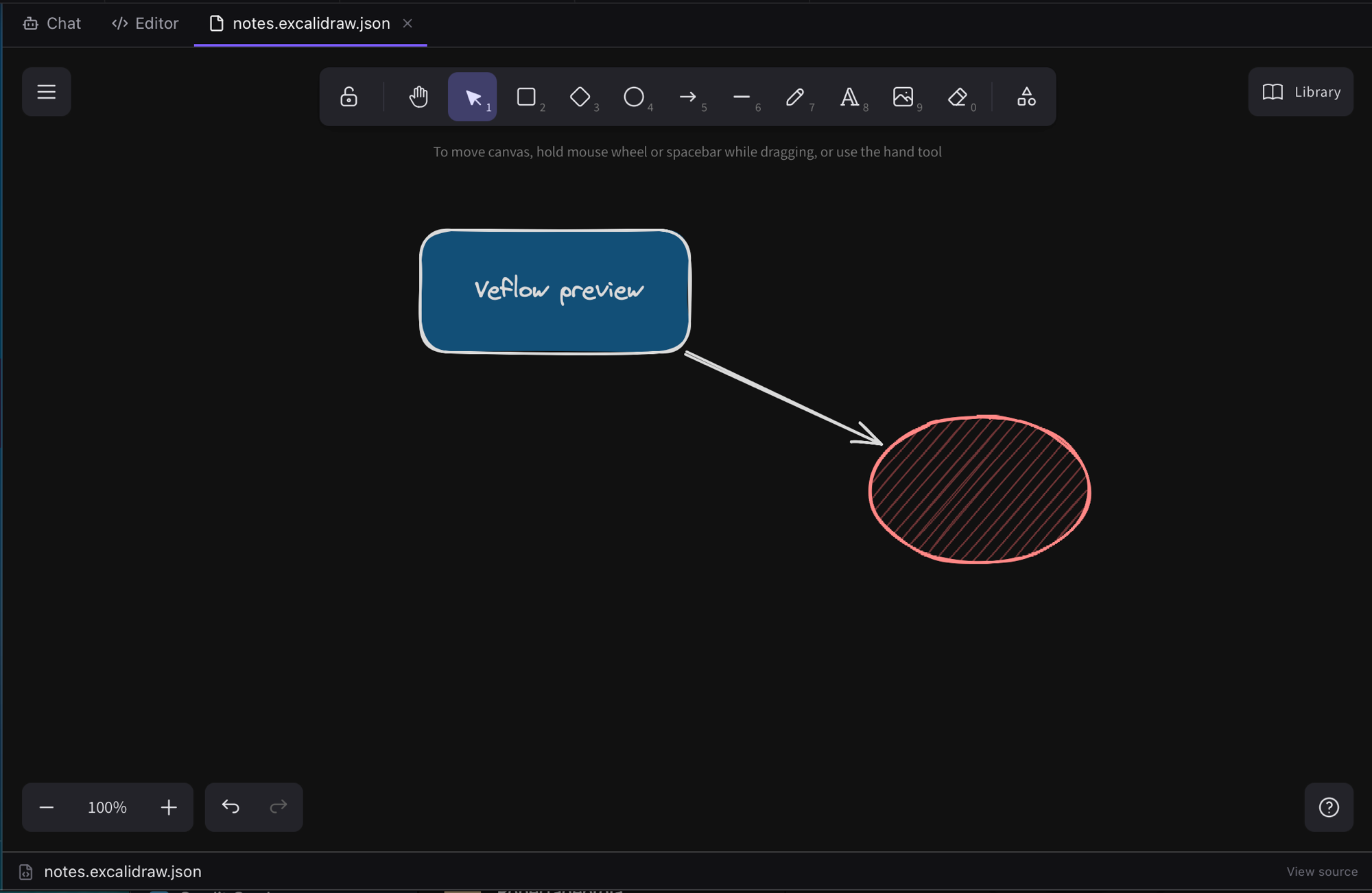
Edit an Excalidraw file and autosave changes to the worktree.
draw.io files (.drawio, .dio) open in the embedded diagrams.net editor. Saving writes the XML back to your worktree. Offline, a built-in renderer lets you view the diagram.
Both formats remain ordinary files in your repository. Their changes appear in git, and View source opens the underlying text when you need to edit it directly.
Keep diagrams with the code
You can sketch an architecture, commit the diagram with its implementation, and review future changes together. Teammates get the updated diagram when they pull the repository.
Limits and supported formats
- File previews are limited to 50 MB.
- Diagram editors load when you first open one.
- Media playback depends on formats supported by the webview. Unsupported files show an information card.
- Previews and diagram editors work across your worktrees.