

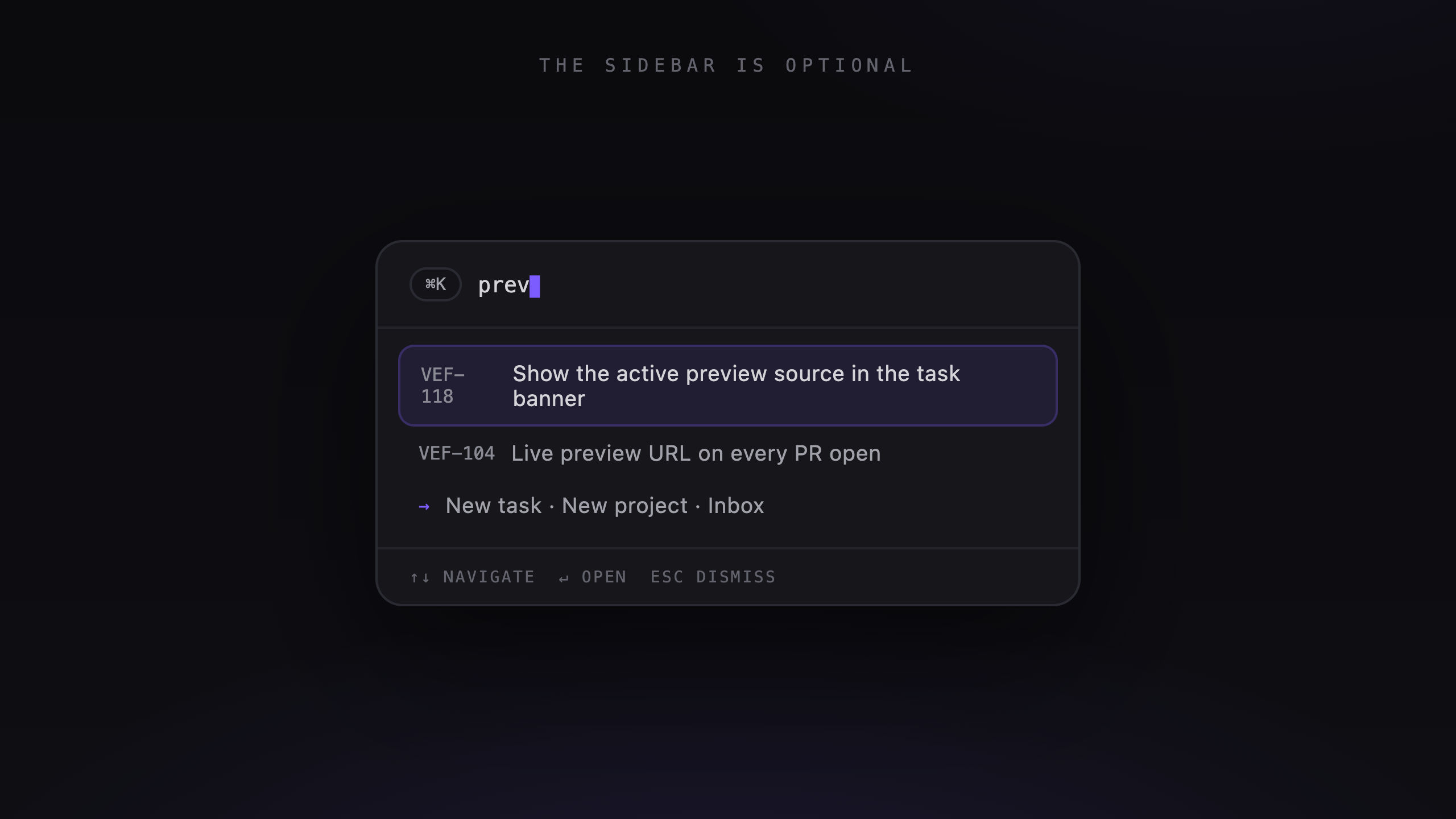
Reviewing agent work involves plenty of small actions: opening a task, changing its status, posting a comment, and moving to the next diff. Shortcuts make those repeated actions easier.
Start with ⌘K
The command palette searches tasks by identifier or title and projects by name. It also shows recent tasks and actions for creating work or opening the inbox, roadmap, and settings.
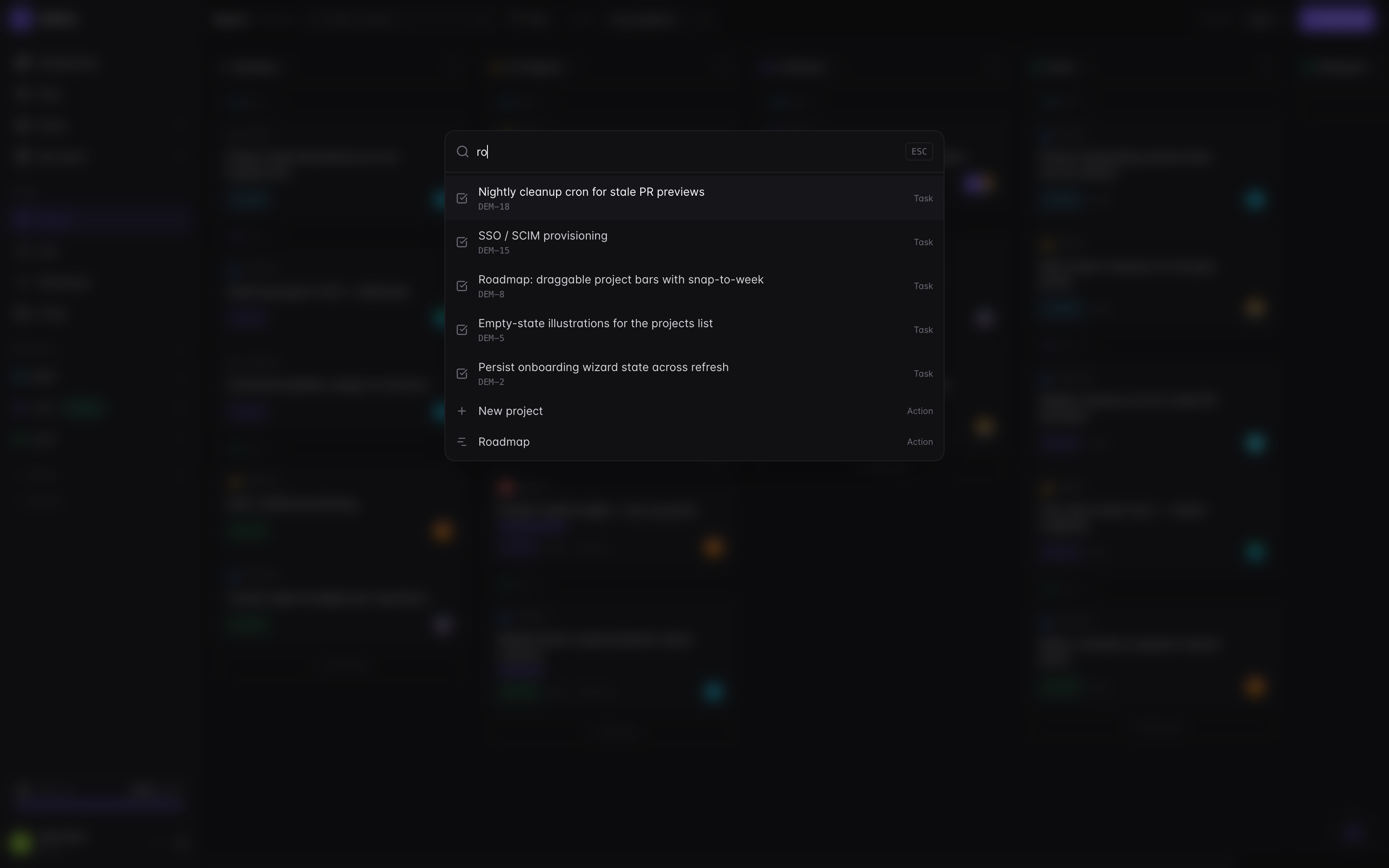
Find tasks, projects, and quick actions with ⌘K.
Useful shortcuts
- ? opens the shortcut reference.
- ⌘Enter posts a comment or sends an agent message.
- Enter saves an inline edit; Esc cancels it.
- Arrow keys + Enter navigate and select options in pickers.
- Esc closes the top dialog and returns focus to the previous control.
Start with the actions you repeat most. The reference panel is there when you need another binding.
Keyboard access and screen readers
Keyboard navigation also helps people who use assistive technology. Controls need usable focus states and labels, and dialogs need to return focus when they close.
Veflow includes those behaviors, but it hasn't completed a formal accessibility audit. If you find a control you can't reach or understand with a screen reader, please report it.