

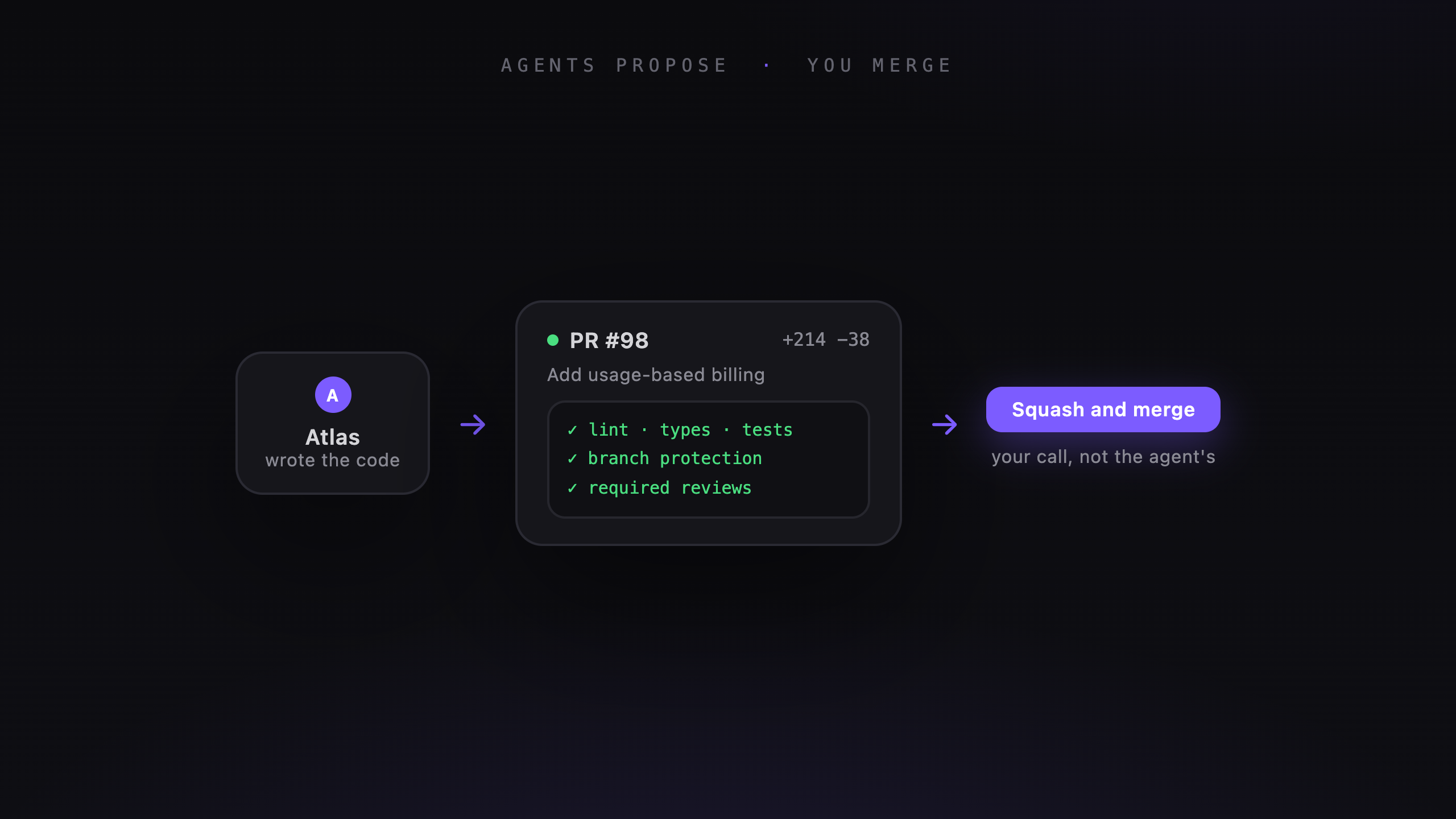
An agent finishing a task doesn't mean the change is ready to ship. Veflow's managed agents open a GitHub pull request so you can inspect the code and run your usual checks before merging.
From task to pull request
The agent works on a separate branch in your repository. It can read files, edit code, and run commands. Its plan and tool calls appear in the task thread as it works.
When the run finishes, the agent commits its changes and opens a PR. You can review that PR in Veflow or GitHub.
If a run stops early, check the task thread and branch for its progress. Partial work still needs review before you continue or merge it.
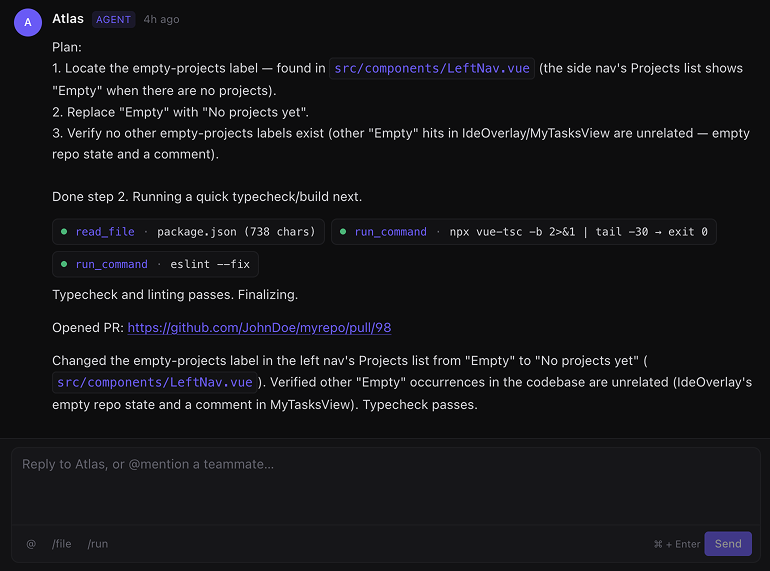
The task thread links to the agent’s GitHub pull request.
Review without leaving the task
The task shows the conversation beside the diff. You can compare what you asked for with what changed, leave inline comments, and request another pass from the agent.
For supported web projects, a preview URL lets you try the running change. When it's ready, choose merge commit, squash, or rebase from the task.
Branch protection and CI
Veflow sends merge requests through GitHub's API. The rules configured on your repository still apply.
- Required status checks must pass.
- Required reviews must be completed.
- Merge conflicts need to be resolved before the branch can merge.
You keep the checks your team already uses for human-written code. Agent changes go through that same process.
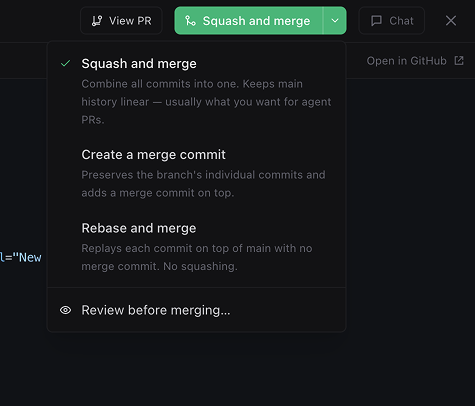
Review the diff and leave inline comments from the task.
Why the PR matters
The agent's summary is a useful starting point, but the diff shows what will change. Read it against the brief and check anything the tests don't cover.
The PR also keeps the code review in your GitHub history. Veflow stores the agent conversation on the task, so you can return to the steps that led to the change.
Agents can produce more code than you have time to review. Keeping each task focused and each PR small makes that review more manageable.