

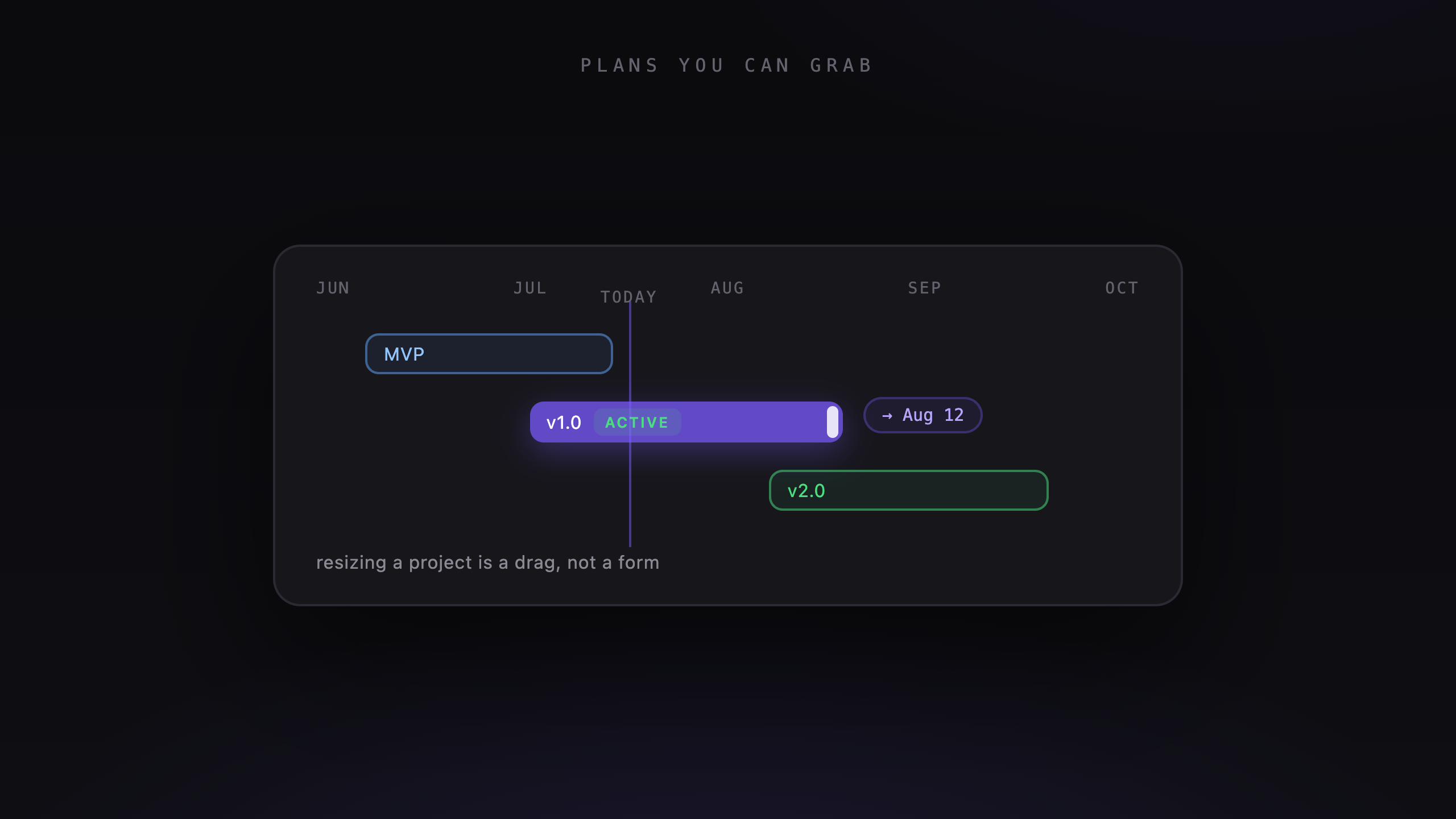
Veflow's roadmap puts your projects on a timeline. Drag a bar to move the dates, resize it to change the schedule, or click the project to open its tasks.
Working with the timeline
Every project with dates appears in its own lane.
- Drag a bar to move the project. Drag either edge to change its start or end date.
- Ctrl+scroll to zoom between a quarter and individual days.
- Drag empty space to pan. The timeline extends as you approach the edge.
- The today line marks the current date. Projects spanning it get an Active highlight.
- Click a project's name to open it.
Veflow remembers your zoom level, row height, and team filters between visits.
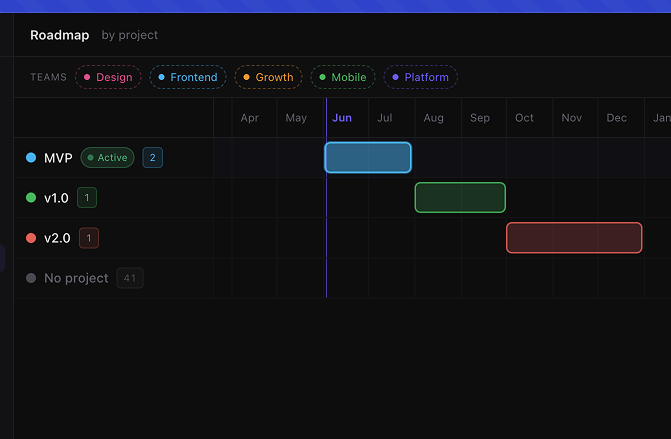
Drag a project bar or its edges to update the schedule.
Why the roadmap shows projects
Task dates change often. A fix can take an afternoon or uncover a week's worth of work. Putting every task on the roadmap makes the schedule harder to maintain.
Project dates give you a useful view of the larger commitments: when a migration starts, when a launch is due, and which projects overlap. The individual tasks stay on the board.
Filter by team
Choose a team to see its projects. A project shared by several teams appears in each team's view, with the same dates.
Plan a quarter, then open the work
Zoom out to see what overlaps. Move or resize projects as plans change, then open the project you want to work on. You can adjust the schedule and get back to the task list from the same view.